
| Updated | Today |
| Size | 7 MB |
| Version | v2.8 |
| Requirements | Android 7.1+ |
| Downloads | 28M+ |
| Get it on |  |
Description
Reborn Imoba is a third-party Android tool advertised for changing the appearance of heroes in Mobile Legends: Bang Bang. Its appeal centers on visual customization, including skin-related options and simple browsing. Before downloading, check the package source, device compatibility, and permissions. Understanding these details helps you separate advertised features from confirmed functionality and official game support.
What is Reborn Imoba APK?
Reborn Imoba APK is an Android installation package for a tool promoted as a Mobile Legends skin injector. Its website describes options for changing character appearances through downloadable resources. It is not a separate multiplayer game, and its promotional descriptions should not be treated as proof that every feature works with your current game version.
The project’s About page associates it with the BANGMAMET team and describes texture-based visual changes. However, that description does not establish approval from the game publisher. Changes on your screen also do not prove permanent ownership of premium items. Always distinguish third-party customization claims from rewards or purchases recorded in your official account.
Features of Reborn Imoba APK
The publisher advertises several customization and navigation features. Availability may differ between releases, so treat the following descriptions as advertised capabilities rather than independently tested results on your device.
Hero Skin Customization
The website advertises options for changing hero appearances. Before choosing a skin, check whether the specific release supports it. A listed item does not guarantee compatibility with your installed game version.
Browsing by Hero Role
Advertised categories cover several hero roles, helping players organize their browsing. This structure may make finding a preferred character easier, although you should confirm which categories actually appear in your downloaded release.
Image-Based Skin Selection
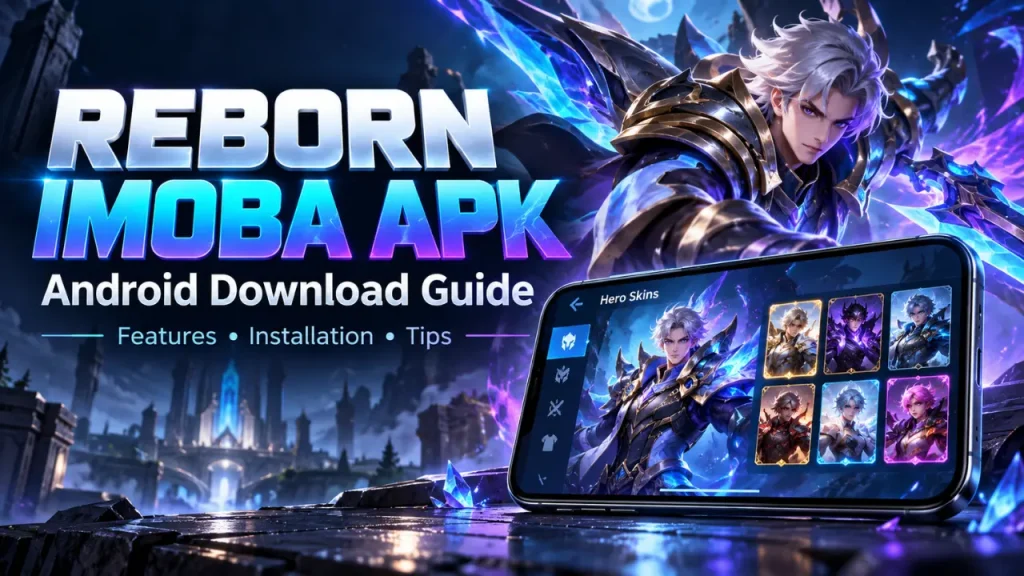
The publisher describes selecting content through character images. Visual previews can help distinguish available choices, but they do not establish how a selected appearance will behave after changes are applied locally.
Straightforward Navigation
Simple menus are another advertised feature. Clear labels can make browsing more approachable, particularly for new users. However, an easy interface should be assessed separately from package authenticity, permissions, and reliability.
Access Without Registration
The website advertises access without creating an account. If a downloaded copy unexpectedly requests your game password or verification codes, stop and investigate rather than assuming those details are necessary for customization.
Selected Backup Options
Backup functionality is advertised for some heroes. Check what each option restores before relying on it. A limited restoration feature should not be mistaken for a complete backup of your game installation.
These feature descriptions reflect the publisher’s claims, not independent testing.
Also Download: JT999 Game APK Download
Reborn Imoba Download Guide for the Latest Version
Before downloading, compare the publisher’s release announcement with the package details. A recent webpage date or higher version number alone does not confirm that a file is the latest.
How to Download Reborn Imoba APK?
- Find a download source with a verifiable connection to the publisher.
- Check the release notes, version information, and device requirements.
- Identify the intended download button among any advertisements.
- Download the APK and wait until the transfer finishes.
- Compare the downloaded file details with the listing.
- Keep Play Protect enabled and review any security warnings.
How to Install Reborn Imoba APK?
- Open your phone’s Downloads folder or file manager.
- Select the APK after reviewing its source and compatibility.
- If prompted, review Android’s installation permission for that source.
- Allow installation only if you trust the package.
- Tap Install and read any warnings before proceeding.
- Open the application and assess its permission requests.
- Turn off the source’s installation permission afterward.
Android’s settings and menu names can vary between devices.
Is Reborn Imoba APK Safe?
This guide has not independently tested a downloaded package, so it cannot confirm that a particular copy is safe. Evaluate the source, requested permissions, and security warnings before installation. A familiar logo, positive comment, or successful launch does not establish authenticity. Keep your game password private and avoid providing verification codes to third-party customization tools.
Claims about account protection also require evidence. An “anti-ban” label cannot guarantee how a game publisher will respond to modifications. Check the game’s current rules and distinguish device security from account permission: they are separate concerns. If the publisher’s position or the package’s origin remains unclear, you lack important information for deciding whether to proceed.
Benefits of Using Reborn Imoba APK
For players interested in appearance changes, the potential appeal lies in customization and browsing convenience. These possible benefits depend on working features and should be weighed against unresolved limitations.
- Exploring different looks: Advertised skin options may interest players who enjoy visual variety.
- Organized browsing: Role-based categories could make locating a character easier.
- Visual selection: Image previews may help users compare available appearances.
- Straightforward access: Simple menus could reduce navigation difficulties.
- Selected restoration: Advertised backup options may help reverse specific changes where supported.
These potential benefits do not establish permanent skin ownership, better playing skills, or account protection.
Also Download: TK567 App Download Free
Frequently Asked Questions (FAQs)
Is Reborn Imoba an official Mobile Legends application?
This guide found no verified evidence of publisher authorization. Treat it as a third-party tool unless the game publisher confirms otherwise.
Is version 2.8 the latest release?
Version 2.8 has not been independently verified here. Check a traceable publisher announcement and matching package details before calling it the latest.
Does it permanently unlock premium skins?
Permanent ownership has not been established. A changed appearance is not proof that a premium item belongs to your account.
Can I install the APK on an iPhone?
No. APK files are Android installation packages and cannot be installed directly on iOS, even if you rename the file.
Does an anti-ban feature guarantee account safety?
No third-party label establishes that guarantee. Review the game’s current rules and do not assume promotional claims provide protection.
Tips for Better Use
Take time to understand the application before selecting options. Review permissions, document any changes, and check recovery instructions so you can make informed decisions if unexpected problems occur later.
- Read instructions for the exact release you downloaded.
- Keep passwords and verification codes private.
- Review each permission instead of approving everything automatically.
- Keep Android’s security checks enabled.
- Understand the scope of any advertised backup feature.
- Avoid combining multiple modification tools during troubleshooting.
- Stop if the application behaves differently from its description.
Final Words
Reborn Imoba may interest Android users who enjoy exploring character customization, but advertised features deserve careful checking. Verify the download source, compare release details, and understand what permissions you grant. Keep visual changes separate from official skin ownership, and never rely on account protection claims without evidence. Clear information should guide your decision before installation.
Common Problems and Easy Fixes
Installation and loading problems need different checks. Start with the exact error message, then review compatibility, storage, and file integrity before changing settings or downloading another copy from elsewhere.
- Download does not finish: Check your connection and available storage, then retry through the verified source.
- Package cannot be opened: Confirm the transfer completed and that you received the intended Android package.
- App does not install: Compare the package requirements with your Android version and read the installation error.
- Update is rejected: Verify the package’s origin. Android requires compatible application identity and signing information for updates.
- App crashes after opening: Restart it, record when the crash occurs, and check the release notes for compatibility information.
- Security warning appears: Read and investigate the warning; disabling protection does not resolve its underlying cause.
- Game problems follow changes: Use documented recovery instructions or contact official game support. Avoid adding further modifications while troubleshooting.